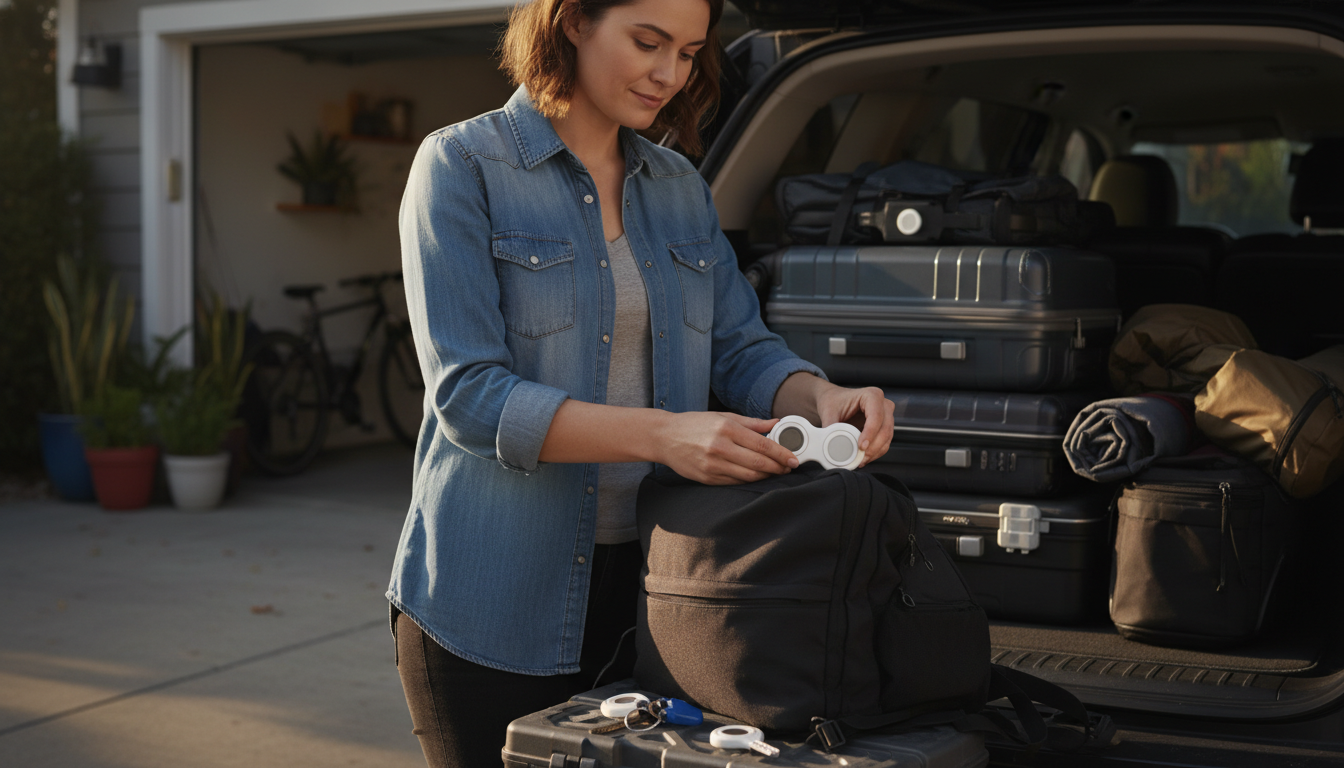
Installing a Belkin AirTag Holder is quick once you know which style you have (key ring, strap, or secure holder). The goal is always the same: seat the AirTag correctly, close the holder fully, and attach it to the item you want to track without blocking the AirTag’s signal or letting it rattle loose.
1) Open the holder. For most Belkin holders, you’ll either twist/unlock the cover, pop open a snap-style frame, or unthread a strap. If it’s a key ring model, the AirTag compartment usually opens separately from the ring itself.
2) Insert the AirTag the right way. Place the AirTag into the cavity so it sits flat and centered. Most holders are designed so the AirTag’s face remains visible through the front opening, while the back is supported by the shell. If it doesn’t drop in smoothly, don’t force it—recheck the alignment.
3) Close and secure the cover. Press or twist the cover until it clicks, locks, or sits flush all the way around. Run a finger around the seam; you shouldn’t feel gaps. Give it a gentle shake—there should be no noticeable movement inside.
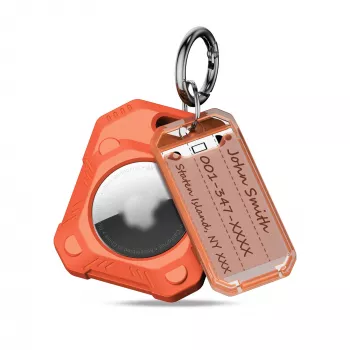
4) Attach it to your item. Use the key ring to clip onto keys, zipper pulls, or a bag loop. For strap versions, thread the strap through a handle, luggage tag loop, or backpack webbing and fasten it back onto itself. Aim for a spot that won’t be constantly rubbed or bent.
5) Confirm it’s working. Open the Find My app and make sure the AirTag still appears and can play a sound. If the sound seems muffled, try repositioning the holder so it isn’t pressed tightly against dense materials.
Avoid attaching the holder to weak fabric loops or damaged key rings. For luggage, use a sturdy handle loop or an internal attachment point to reduce snagging. If your holder includes a locking mechanism, double-check it after travel days.
For additional ways to secure an AirTag to keys, bags, and luggage (plus placement ideas), see the full guide here: https://ultimatechoicespoint.shop/guide-secure-airtag-keyring-holder-keys-bags-luggage/.
Attach it to a sturdy loop, handle anchor, or interior clip point where it won’t snag or get crushed. A slightly hidden spot also reduces the chance of tampering while still allowing the AirTag to be detected.












Leave a comment