HomeBlogBlogSecure AirTag Keyring Holder: Track Keys, Bags & Luggage

Secure AirTag Keyring Holder: Track Keys, Bags & Luggage

Secure AirTag Keyring Holder: Track Keys, Bags & Luggage

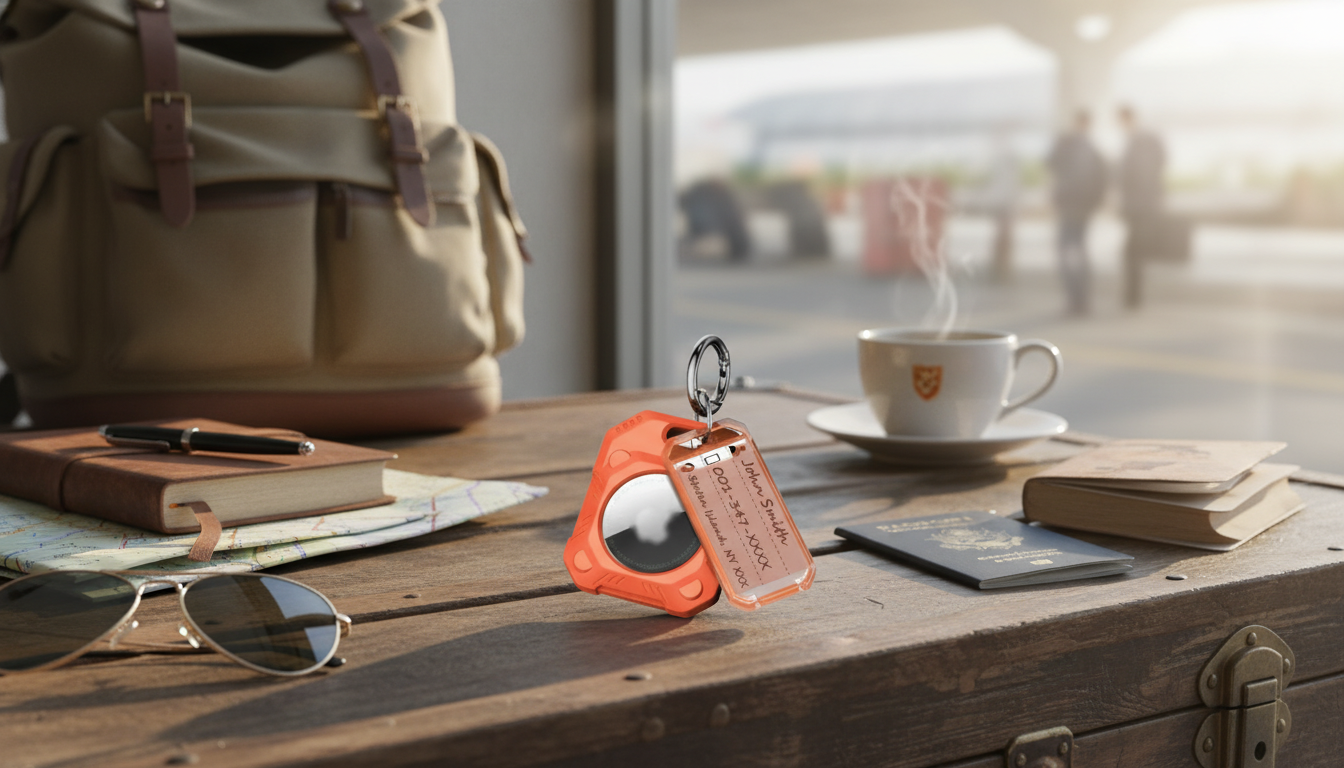
Apple AirTag 2-in-1 Secure Holder with KeyRing: Keep Track of Keys, Bags, and More

A secure holder with a built-in keyring is one of the simplest ways to attach an AirTag to everyday items without bulky adhesives or improvised loops. The right holder adds a reliable attachment point, helps keep the AirTag seated, and reduces wear from constant contact with metal hardware. Below is a practical breakdown of what a secure keyring holder does best, where it fits into daily routines (keys, backpacks, luggage, and more), and what to look for so your AirTag stays protected and easy to use with Apple’s Find My network.

What a secure holder with keyring is designed to do

A dedicated AirTag holder solves the two common problems people run into: keeping the AirTag attached to the item, and keeping it from getting scratched up during normal carry. A keyring-style holder in particular is made for quick, sturdy attachment with minimal fuss.

  • Creates a dedicated attachment point for an AirTag using a keyring, avoiding tape, stickers, or loose pockets.
  • Helps keep the AirTag seated so it doesn’t pop out during daily bumps, drops, or bag handling.
  • Adds basic edge protection against scratches and scuffs from keys, zippers, and hard surfaces.
  • Makes it faster to move an AirTag between items (key set to travel bag, or from backpack to luggage).
  • Keeps the AirTag’s body from directly rubbing against other metal objects that can mark the casing.

Best everyday use cases

A keyring holder works anywhere there’s a loop, ring, or sturdy hardware point. These are the most common (and most convenient) setups:

  • Keychains: Keeps the AirTag close to the item most likely to be misplaced, with minimal added bulk.
  • Backpacks and purses: Clips to a D-ring or internal loop to help track a bag without leaving the AirTag loose inside.
  • Luggage: Attaches to a zipper pull or handle loop so the AirTag stays with the suitcase during transit.
  • Kids’ items: Clips to lunch bags, pencil cases, or sports gear for quick check-ins (where appropriate).
  • Work gear: Helps track tool pouches, camera bags, or small equipment cases that move between locations.

Product spotlight: Apple AirTag 2-in-1 Secure Holder with KeyRing

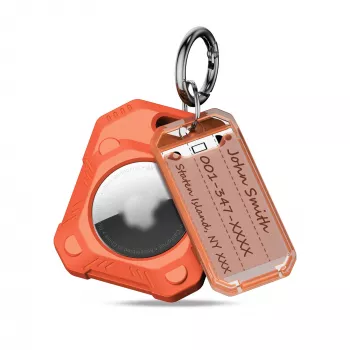
If you want a straightforward way to attach an AirTag without extra steps, the Apple AirTag 2-in-1 Secure Holder with KeyRing is built for fast everyday carry. It combines a fitted holder with an integrated keyring, so it clips onto keys and bag loops in seconds.

Quick comparison: holder styles for AirTag attachment

Holder style Best for Typical advantages Things to watch
Secure holder with keyring Keys, bags, luggage Fast clip-on attachment; everyday convenience; reduces direct scuffs Choose a snug fit; ensure the ring size matches your key setup
Silicone holder Lightweight daily carry Soft feel; flexible; simple to swap May collect lint; flexibility varies by model
Adhesive mount Remote controls, flat surfaces Clean placement; hidden installs Adhesive can weaken on textured or dusty surfaces
Strap/loop holder Sports gear, bottles, kids’ items Easy to thread through loops; versatile Loops can snag if oversized or loosely fitted

Fit, comfort, and durability: what matters most

How to set up and use AirTag effectively with a keyring holder

  1. Pair and name it clearly: Add AirTag in the Find My app and name it based on the item (for example, “House Keys” or “Carry-on”). Apple’s setup steps are covered at Apple Support: Set up and use AirTag.
  2. Choose a stable attachment point: Clip to a sturdy ring, D-loop, or handle loop; avoid thin zipper pulls that can bend or break.
  3. Use the right locating tool: When you’re close, Play Sound can help; where supported, Precision Finding can guide you more precisely.
  4. Turn on Lost Mode quickly: If something goes missing, enable Lost Mode promptly and add a contact method if comfortable.
  5. For travel, plan for handling: Put the AirTag where it’s unlikely to get snagged or pulled off during check-in, loading, and unloading.

For a broader overview of the network and how it works across Apple devices, see Apple: Find My.

Privacy and safety basics

  • iPhone users may receive alerts about unknown AirTags moving with them.
  • If borrowing items (shared luggage, loaned keys), consider removing the AirTag to avoid confusion and alerts.
  • Use AirTag for tracking personal belongings and follow local laws and platform guidance for responsible use.
  • If an alert appears about an unknown AirTag, follow Apple’s steps for locating and disabling it at Apple Support: If you get an alert that an AirTag is traveling with you.

Alternatives in stock

If you prefer a softer feel or want something that’s lighter on a pocket, a silicone option can be a better match. The Silicone AirTag Holder is a flexible alternative that can reduce clinking and feel less rigid on a key set.

Simple care tips for long-term use

FAQ

Does a secure holder with keyring block AirTag tracking?

Most holder materials won’t prevent Find My from working, since AirTag relies on Bluetooth (and Ultra Wideband on supported devices) rather than line-of-sight. Signal strength depends more on the environment than the holder, but fully enclosing an AirTag in thick metal can reduce performance.

Where should an AirTag be placed on a backpack or suitcase?

Attach it to an interior loop or a sturdy hardware point to reduce snagging and make it harder to remove. For luggage, handle loops or internal pockets tend to stay more secure during transit than fragile zipper pulls.

Can the AirTag fall out of a holder during daily use?

It can if the fit is loose or the closure isn’t secure, especially with repeated bumps and bag handling. A snug holder designed to seat the AirTag firmly reduces the risk, and occasional checks help catch wear early.

Was this article helpful?

Yes No
Leave a comment
Top

Shopping cart

×









