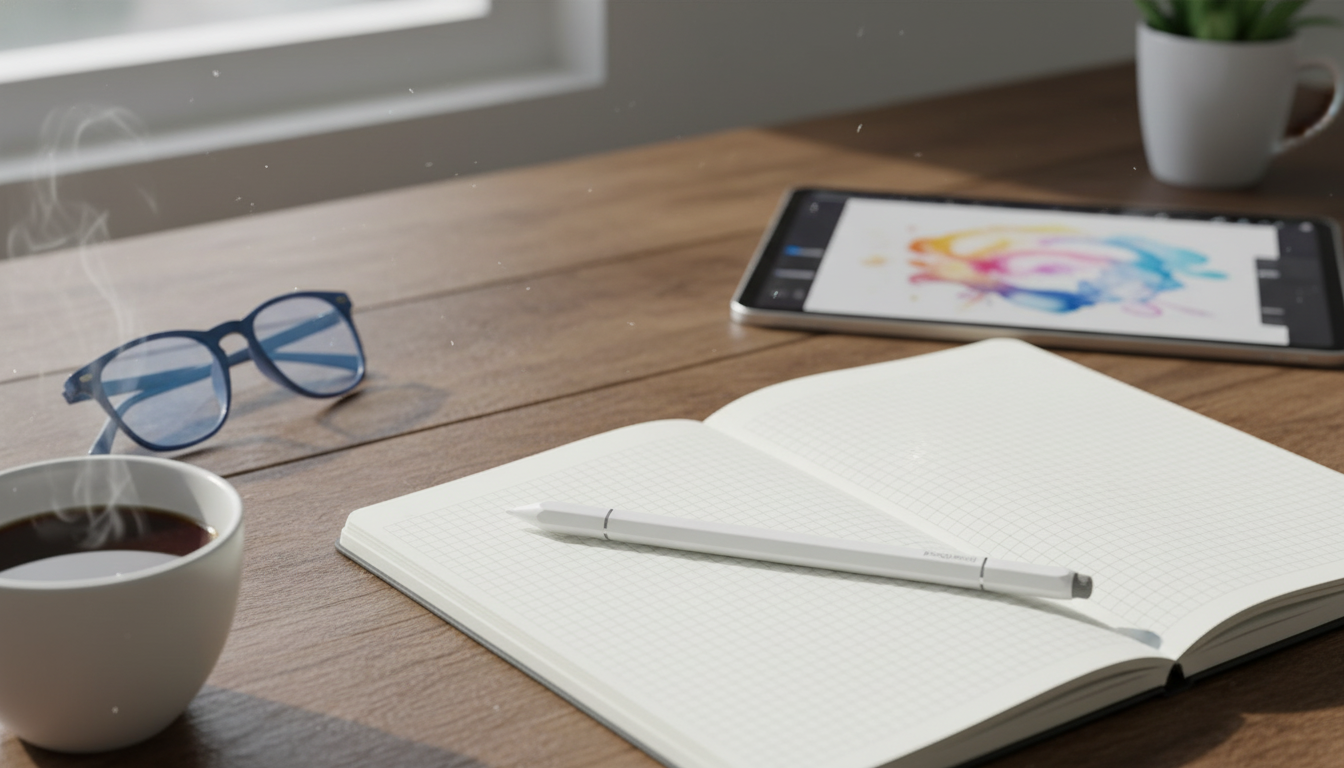
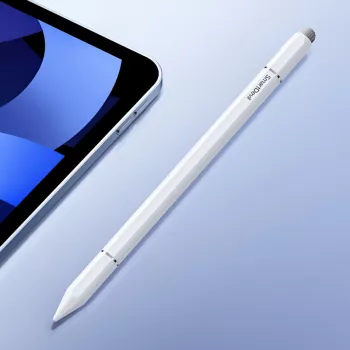
A capacitive stylus is a simple way to add precision and comfort to tapping, scrolling, sketching, and note-taking on iPad and iPhone. This magnetic capacitive stylus pen is designed for everyday use—helping reduce fingerprints on the screen, improving control for small UI elements, and offering a pen-like feel for quick writing and casual drawing. If you spend long stretches on touchscreens—replying to messages, marking up documents, or moving tiny sliders in an editor—a stylus can make the experience feel cleaner, steadier, and more intentional. For more guidance, see A magnetic pen for smartphones adds another level of conveniences.
Capacitive touchscreens detect input similar to a fingertip, so a capacitive stylus is built to “act” like your finger—just with a smaller, more consistent contact point. That simple change can make daily tasks easier: For further reading, see The Hybrid Stylus: A Multi-Surface Active Stylus for Interacting … – PMC.
Because capacitive screens respond to light contact, you don’t need to press hard. A smooth glide and a consistent touch are usually all it takes for reliable taps and swipes. For background on how capacitive touch works, see Encyclopaedia Britannica’s overview of touchscreens.
One of the biggest annoyances with a stylus is losing it between tasks. A magnetic design helps keep it in the same place—especially when paired with a compatible case, stand, or any magnetic-friendly surface you already use.
For a simple everyday setup, consider adding a protective phone case to your routine carry. The Creative Transparent All-Inclusive Drop Protection Case for iPhone 16, 15, 14, 13, 12 is an easy match for on-the-go use when your phone is often in hand.
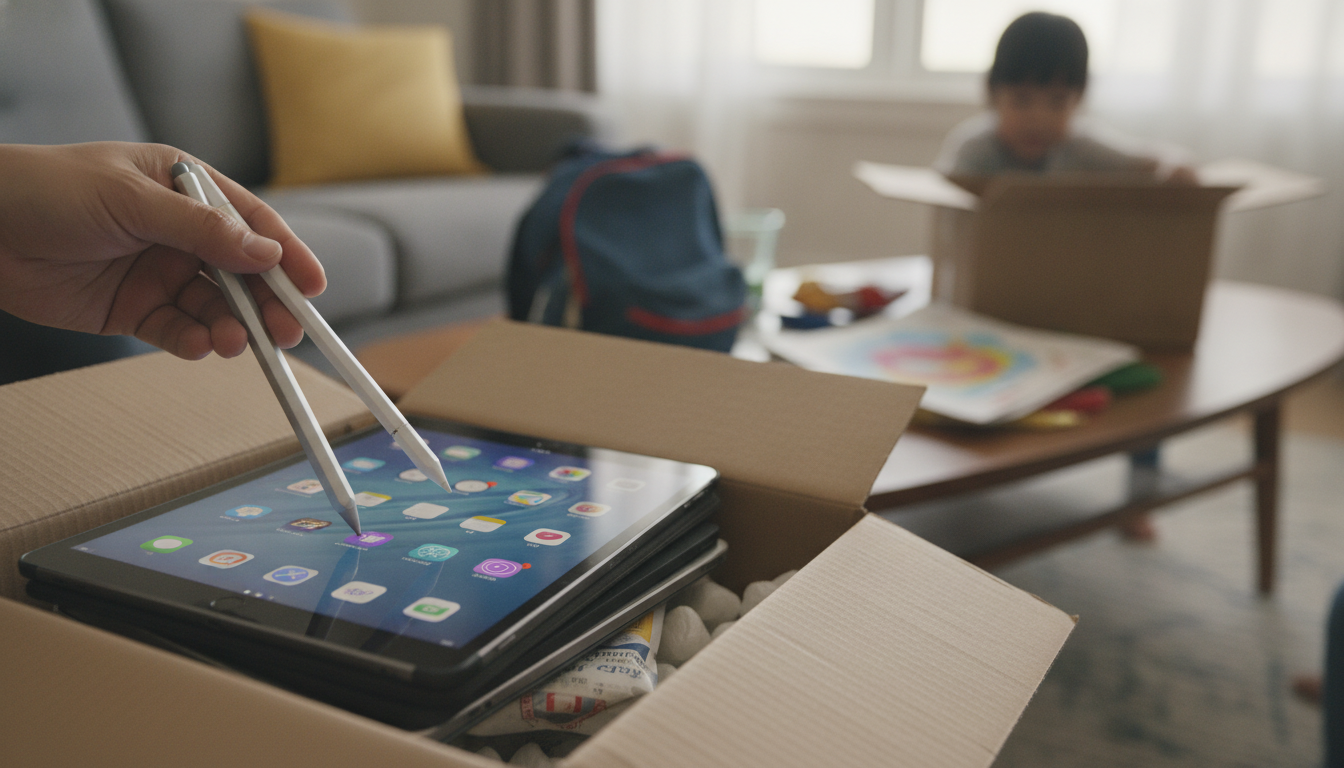
Capacitive styluses are popular because they work broadly across apps that already accept finger input—no special settings required. That makes them a practical choice for mixed households, shared devices, or anyone who switches between an iPad and iPhone throughout the day.
| Feature | Capacitive Stylus (typical) | Advanced Active Stylus (device-dependent) |
|---|---|---|
| Tap, swipe, scroll | Yes | Yes |
| No pairing required | Usually yes | Not always (often pairs/charges) |
| Pressure sensitivity | No | Often yes |
| Tilt shading | No | Often yes |
| Palm rejection | No | Often yes (supported apps/devices) |
| Best for | Everyday navigation, quick notes, basic drawing | Detailed art, precise handwriting workflows |
If you’re curious about how higher-end pen systems differ, Wacom’s pen technology resources offer a helpful high-level overview of concepts like pressure and tilt.
Finger input is convenient, but it can get tiring—especially when you’re repeatedly tapping in the same area or selecting tiny interface elements. A pen-shaped stylus changes your grip and gives you a familiar writing posture.
For keeping your display in great condition over time, Apple’s guidance on cleaning and care is worth following: Apple Support — Use and care for iPad displays.
For commuters and drivers, pairing a clean touch workflow with a stable mount can make everyday routines easier. The Universal Forklift Wireless Charger and Phone Holder for Cars helps keep your phone positioned while charging, so your stylus is there when you need a precise tap at a stop.
If you tend to misplace small accessories, adding a tracker to your bag setup can help. Pairing your daily carry with a Silicone AirTag Holder is a simple way to keep tabs on the pouch or case where your stylus rides.
If you’re ready to add one to your setup, the Magnetic Capacitive Stylus Pen for Apple iPad & iPhone is a straightforward option for everyday iPad and iPhone tasks.
In most cases, yes—capacitive styluses are made to mimic finger touch, so they typically work across iPad and iPhone models and in apps that already accept finger input. Features like pressure sensitivity and palm rejection generally require a device-specific active stylus system.
Magnetic attachment depends on the stylus design and where magnets are located on the iPad, case, or accessories you use. Some magnetic styluses attach best to compatible cases or magnetic mounts rather than snapping into a charging position like Apple Pencil on certain iPad models.
A screen protector is optional for capacitive stylus use; a clean screen and a smooth tip are usually enough for comfortable gliding. A protector can add scratch resistance if your device is frequently carried in bags or used in environments where dust or grit is common.










Leave a comment