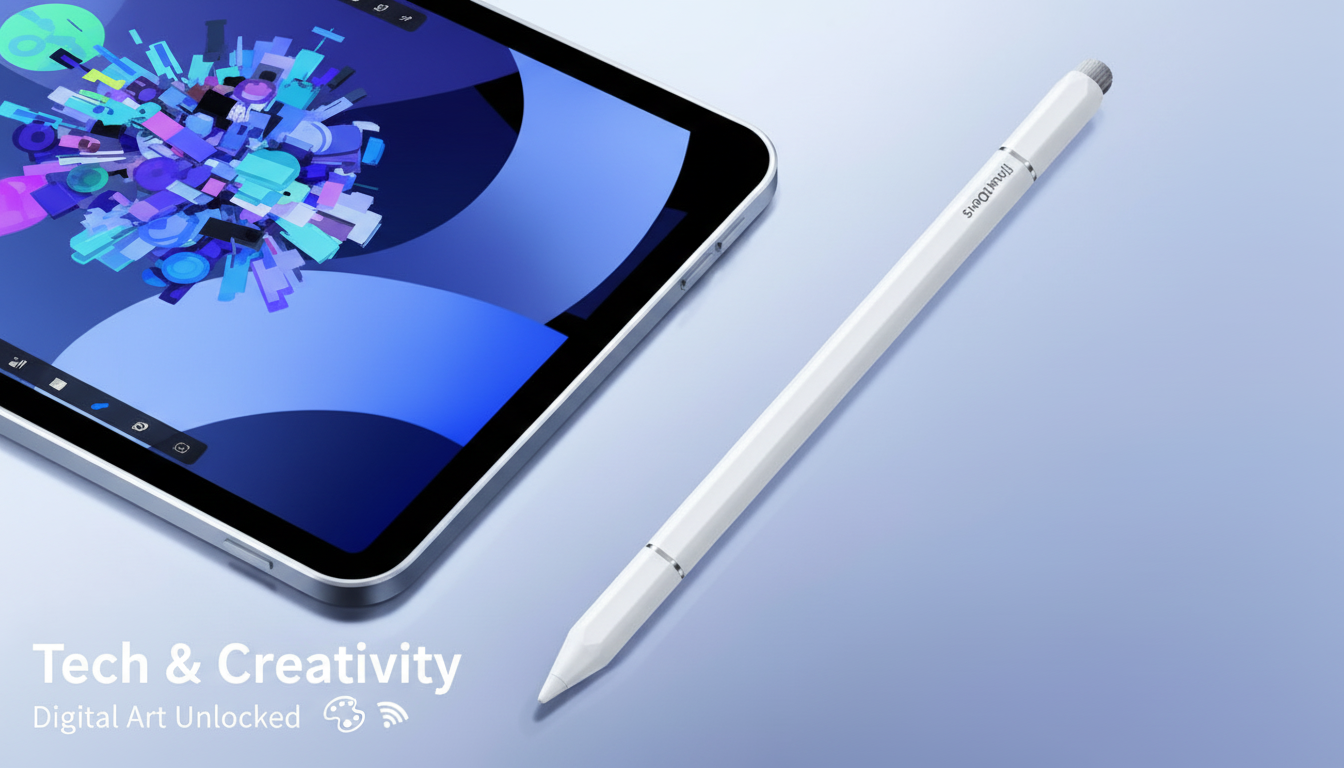
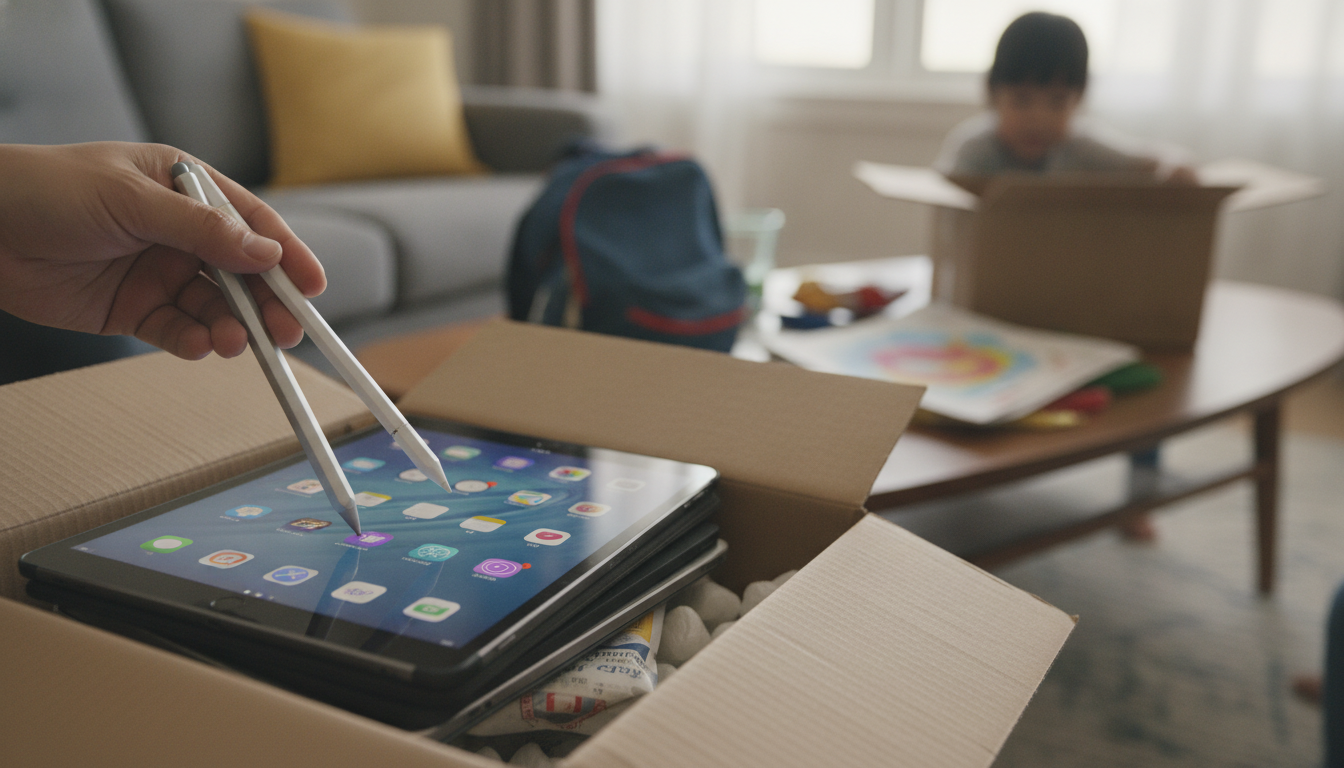
It can, but only in specific situations. A “magnetic” stylus usually describes one of two things: (1) a stylus that attaches magnetically to the side of certain iPad models, or (2) a stylus that uses magnets for alignment or storage but still relies on either Apple Pencil technology or a standard capacitive tip to write on the screen.
If the stylus is an Apple Pencil (2nd generation) or a third-party stylus built for the same iPad generations, the magnets are mainly for snapping on, pairing, and charging (when supported). In that case, it can deliver a smooth writing experience, palm rejection (on compatible models), and more precise strokes for notes and drawing.
Some products are labeled magnetic because they stick to a case, a tablet frame, or include a magnetic cap—without offering active iPad features. If it’s only a passive capacitive stylus (the kind with a rubber or mesh tip), it will still work for tapping and basic swiping on any iPad, but it won’t provide pressure sensitivity, tilt shading, or system-level palm rejection. Magnets alone don’t make a stylus work; the screen technology and the stylus design do.
Start with your iPad model and generation, then confirm what the stylus supports: Bluetooth pairing, magnetic charging, and palm rejection are model-dependent. If the listing only mentions “capacitive” and doesn’t name specific iPads, expect basic touch input rather than Apple Pencil-like performance.
For a deeper breakdown of magnetic attachment versus capacitive performance—and what to look for before buying—see the full guide here: magnetic capacitive stylus for iPad and iPhone precision guide.
For Magnetic Stylus on iPad: What Works and What Doesn’t, the best answer depends on fit, material, care instructions, and how the product will be used day to day.
Yes. Any standard capacitive stylus can interact with an iPad because it mimics a finger touch, but it won’t add Apple Pencil-only features like pressure sensitivity or true palm rejection.








Leave a comment