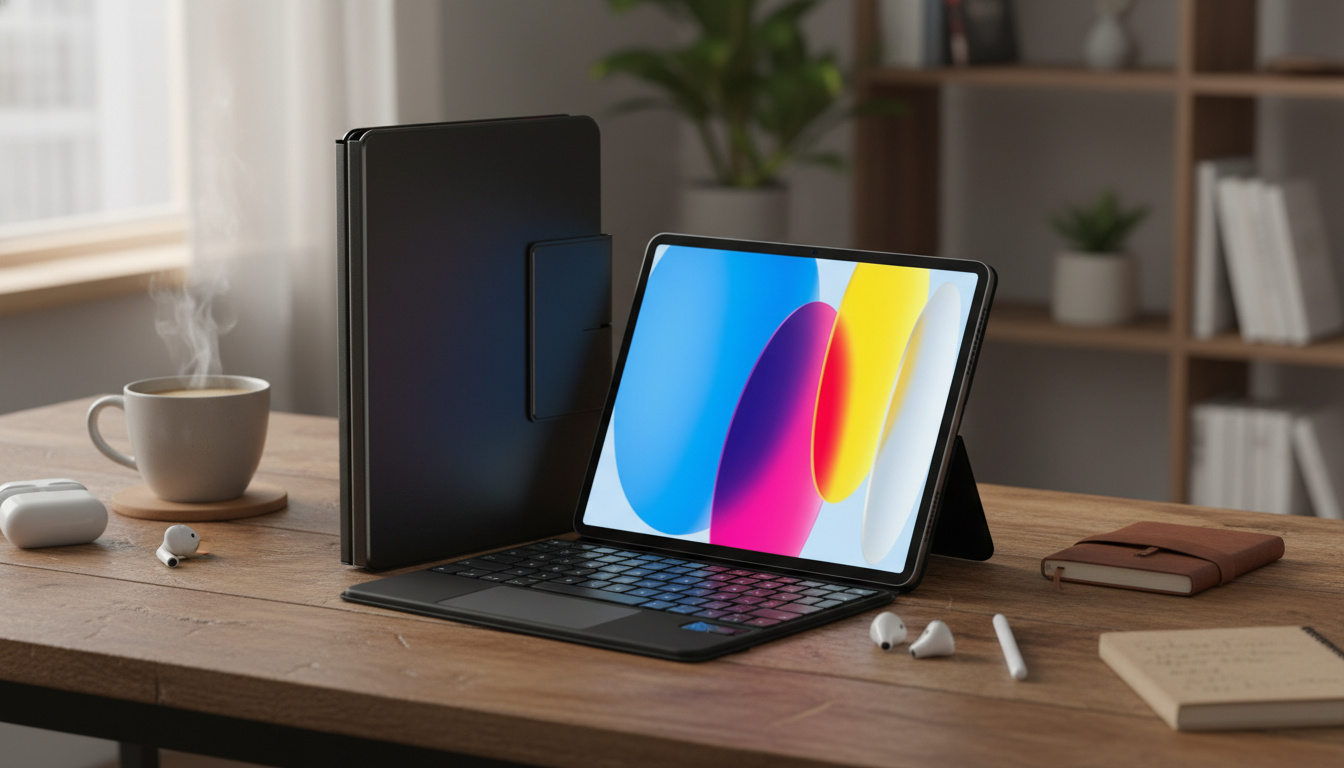
A magnetic keyboard case can turn an iPad into a more laptop-like setup for writing, email, schoolwork, and travel. The biggest difference is how fast you can switch modes: type when you need to be productive, then undock for reading, sketching, or handheld browsing in seconds. Below is what to look for in a magnetic keyboard case for iPad Pro 11 and iPad Air 10.9/11 inch models, how magnetic attachment changes daily use, and how to confirm fit before buying.
For many iPad owners, the on-screen keyboard is fine for quick replies, but it becomes limiting when you’re writing pages of notes, editing documents, or doing frequent multitasking. A magnetic keyboard case changes the rhythm of daily use in a few practical ways:
Even when the screen size looks the same, iPad generations can differ around camera bumps, speaker placement, and small edge details that affect how a case fits. Before ordering, confirm the exact model in Settings → General → About, then compare the listing details to your device.
| What to verify | Why it matters |
|---|---|
| Model identifier in Settings | Ensures the case matches the correct iPad generation and dimensions |
| Camera cutout shape | Prevents lens obstruction and avoids pressure on the camera module |
| USB‑C port and speaker openings | Keeps charging and audio unobstructed |
| Apple Pencil edge area | Allows magnetic attachment and (where supported) charging |
| Magnetic alignment/strength notes | Affects stability when typing and moving the iPad |
For Apple’s step-by-step help identifying model numbers, refer to Apple Support: Find the model number of your iPad.
Magnets are the “invisible hardware” that determine whether a keyboard case feels effortless or fussy. Stronger magnetic hold generally improves stability on a desk and reduces wobble while typing, especially when the iPad is tapped frequently for note-taking or selecting text.
Apple’s overview of pointer features is helpful for setting expectations: Apple Support: Use a trackpad with iPad.
Beyond basic connectivity, the keyboard itself determines whether you’ll actually enjoy using your iPad for real work. Small details add up during longer writing sessions.
For deeper iPadOS multitasking and input behavior, the Apple iPadOS User Guide is a reliable reference.
| Item | Details |
|---|---|
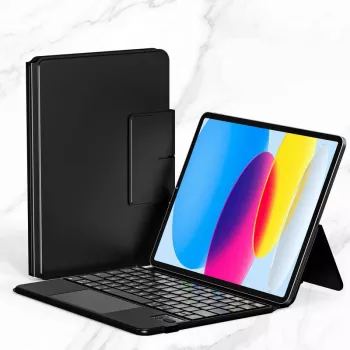
| Product | Magnetic Keyboard Case for Apple iPad Pro 11 & iPad Air 10.9/11 Inch |
| Price | 114.01 USD |
| Availability | In stock |
| Best for | Typing, travel, flexible tablet-to-keyboard transitions |
| Product page | See link above |
For a travel-friendly setup, a few small add-ons can make the whole kit easier to live with. If you frequently work in the car or between locations, consider pairing your iPad workflow with the Universal Forklift Wireless Charger and Phone Holder for Cars. If you’re tracking bags, keys, or accessories, the Silicone AirTag Holder is a simple way to keep a tracker protected and easy to attach.
Open Settings → General → About and note the model name and model number, then match the case listing to the correct size and generation. Also compare the camera cutout and port/speaker openings to ensure everything lines up.
It depends on the case’s edge clearance and whether the Pencil side is kept unobstructed when the cover is closed. Check that the product description explicitly supports Apple Pencil magnetic attachment (and charging, if needed).
Lap stability varies by hinge and stand design. Desk use is typically the most stable, while lap use can feel less secure unless the case has a rigid base and a firm hinge that holds angles without shifting.












Leave a comment