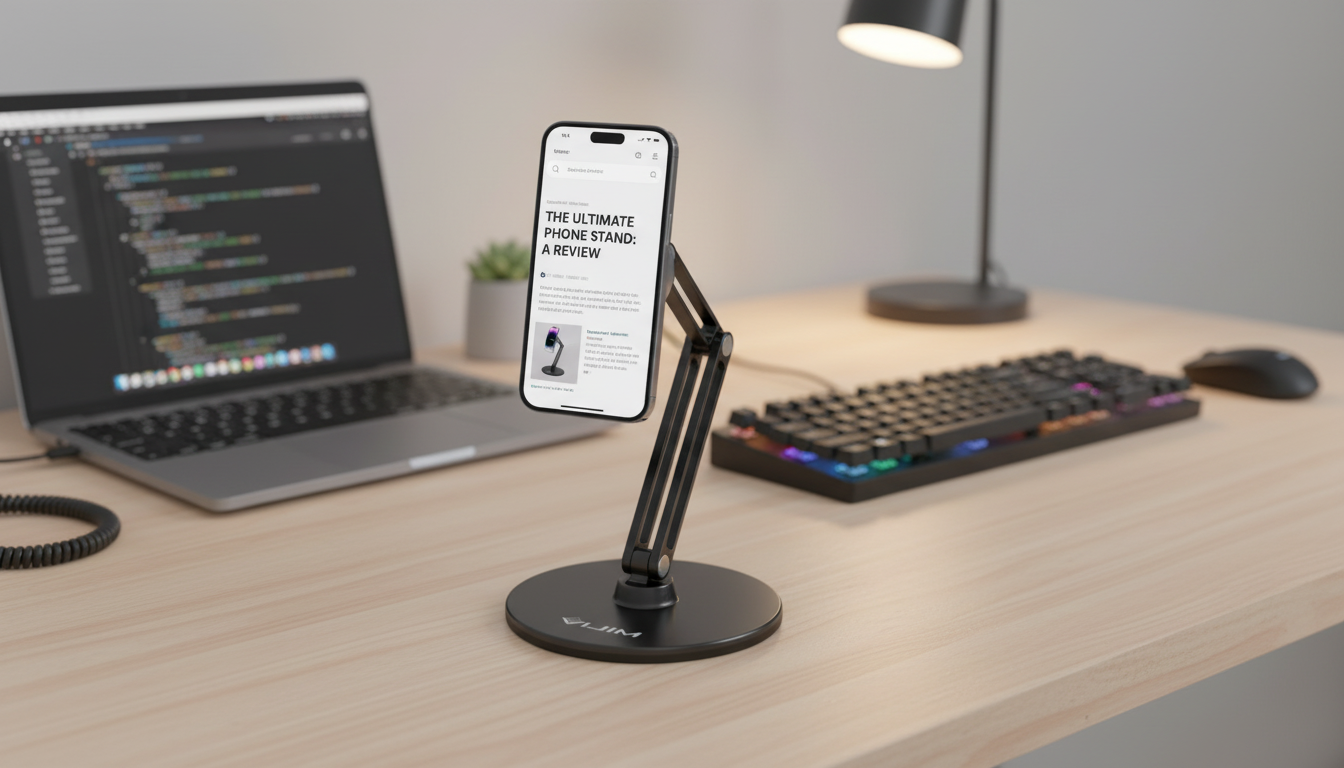
A magnetic desk stand can turn an iPhone or iPad into a stable, adjustable screen for calls, messages, recipes, reading, and focused work—without constantly propping your device against a mug or stacking books. When the attachment is dialed in and the base is solid, a magnetic stand becomes the “snap-on, snap-off” home base that keeps your Apple devices visible, charged, and ready.
This guide explains what a magnetic desk phone and tablet holder helps with, how magnetic mounting works across Apple devices, and how to set it up for comfort. It also includes a quick compatibility table and practical tips for everyday use.
Magnetic mounting is simple on the surface—attach the device to the stand and adjust the angle—but performance depends on alignment, surface contact, and the stand’s stability.
For Apple’s overview of MagSafe behavior and compatibility, see Apple Support: About MagSafe on iPhone.
| Device type | Best attachment approach | Typical orientation | Notes |
|---|---|---|---|
| iPhone with MagSafe | Direct magnetic mount | Portrait or landscape | Strongest and simplest fit; works well with MagSafe cases |
| iPhone without MagSafe | Case with magnetic ring or adhesive ring | Portrait or landscape | Ensure ring alignment for centered hold and stable rotation |
| iPad (varies by model) | Case plus ring/plate (recommended) | Mostly landscape | Choose stability first; larger screens amplify wobble if the base is light |
| AirPods / small accessories | Not recommended unless designed for it | N/A | Use a dedicated dock/holder for small items |
For additional context on secure hardware elements used in Apple devices, Apple’s documentation is a helpful reference: Apple Platform Security: NFC and Secure Element overview.
| Type | Best for | Trade-offs |
|---|---|---|
| Magnetic desk stand | Fast attach/detach, clean desk setup, frequent phone use | Requires compatible case/ring; tablet stability depends on base design |
| Clamp/arm mount | Fixed workstation setups, overhead positioning, content creation | More hardware and adjustments; less portable |
| Dock/cradle | Dedicated charging spot, consistent alignment | Less flexible angles; often device-specific |
It depends on the case design and thickness. MagSafe-compatible cases usually hold best, while very thick or non-magnetic cases may need a magnetic ring/plate (or a different case) for a reliable grip.
Yes, but stability is the deciding factor. Larger screens need a sturdy base and often a case with an added ring/plate; it’s smart to test over a soft surface first and use landscape orientation if it improves balance.
Magnets used for MagSafe-style accessories are designed to help alignment, and charging performance mainly depends on the charger and placement. For best long-term battery care, use certified chargers and avoid heat buildup during charging.












Leave a comment