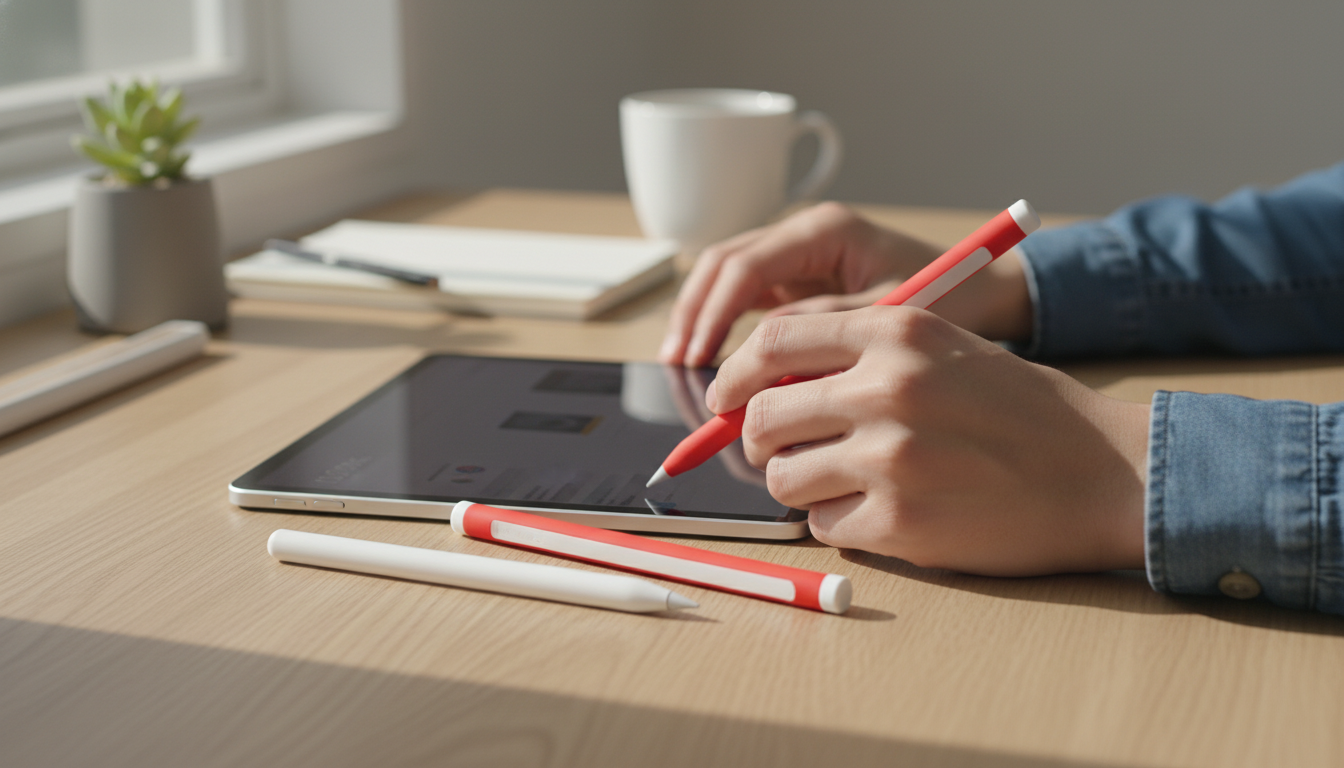
A slim silicone sleeve can protect Apple Pencil (2nd generation) from scuffs, minor drops, and everyday grime while improving grip during long note-taking or drawing sessions. The right fit should keep pairing and magnetic charging reliable, without adding bulk that makes the Pencil feel awkward in hand.
An Apple Pencil is handled constantly—set on desks, dropped into backpacks, and tucked beside an iPad in tight spaces. A silicone case adds a lightweight buffer that helps the Pencil look newer for longer while making it easier to hold with less pressure.
For anyone who alternates between quick notes and longer drawing sessions, the biggest day-to-day upgrade is usually grip: silicone can reduce micro-slips that cause hand tension, especially if the Pencil feels slick in dry or humid conditions.
Apple Pencil (2nd generation) relies on a flat side to attach magnetically to compatible iPads and to charge wirelessly. That makes fit more than a cosmetic detail—too much thickness or a poor cut can reduce the magnetic hold and make charging unpredictable.
If there’s any uncertainty about device compatibility, Apple’s references for Apple Pencil (2nd generation) technical specifications and how to use Apple Pencil with iPad clarify which iPad models support magnetic charging and pairing.
Most charging issues with sleeves come down to one thing: the Pencil sits a fraction of a millimeter too far from the iPad edge. A well-designed silicone case should feel almost “invisible” on the charging side.
A quick real-world check: dock the Pencil and lightly tap the iPad edge. If the Pencil easily rocks away or detaches, the sleeve is likely too thick on the flat side or not molded precisely enough to stay aligned.
Not all silicone feels the same. Small differences in surface finish, edge seams, and thickness can change comfort and longevity—especially if the Pencil is used daily.
| Feature | Benefit | Possible trade-off | Good for |
|---|---|---|---|
| Thin, snug fit | Better magnetic docking and charging reliability | Less cushioning for drops | Frequent docking and charging |
| Softer/grippier texture | More control and less hand fatigue | May attract dust/lint | Long note-taking or drawing sessions |
| Full-body coverage | Helps protect from scratches and minor bumps | Can feel bulkier in hand | Travel and daily carry |
| Easy-clean silicone | Wipes clean quickly | Some finishes feel slightly slick | Shared devices or classroom use |
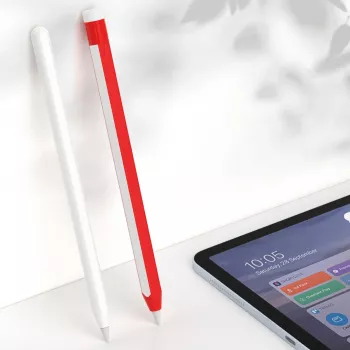
If the goal is extra grip and fewer everyday scuffs without changing how the Apple Pencil docks and charges, a thin silicone sleeve is a practical upgrade. Silicone Case for Apple Pencil 2nd Gen is an easy, low-cost way to add a bit of cushioning and a more secure feel during writing and sketching.
For a small, matching accessory that also benefits from flexible protection, consider a Silicone AirTag Holder for keys, backpacks, or luggage. And if a hands-free charging setup is part of the daily routine, Universal Forklift Wireless Charger and Phone Holder for Cars can keep a phone accessible while reducing cable clutter in the car.
It can if the sleeve is too thick or doesn’t align well on the flat charging side. A thin, snug sleeve designed for 2nd gen typically maintains magnetic attachment and charging when seated correctly.
A sleeve can slightly change the feel in hand; most users notice improved grip. Double-tap can remain usable when the sleeve isn’t overly thick or shifting around the Pencil body.
Remove it and wash the sleeve with mild soap and water, then dry completely. Wipe the Pencil with a soft, slightly damp cloth and avoid harsh chemicals.












Leave a comment