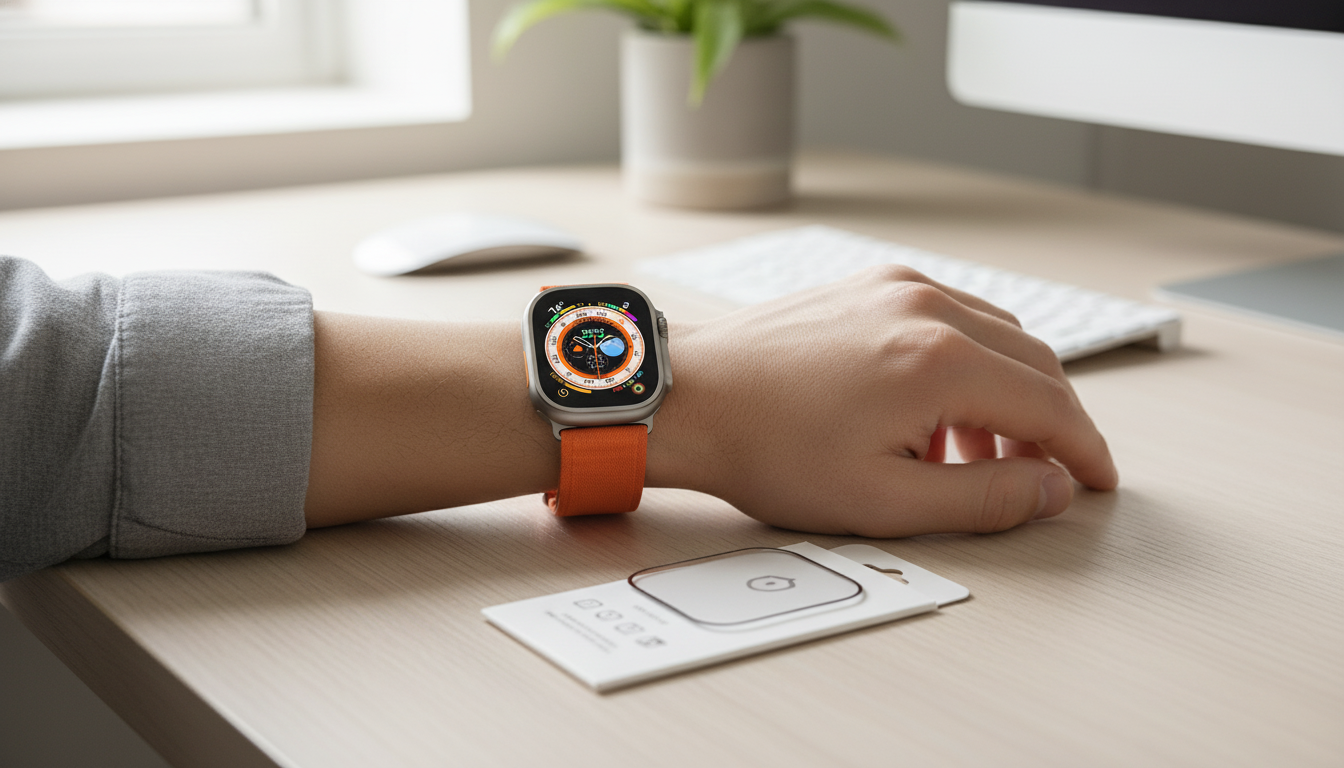
Apple Watch screens take constant hits from desks, gym equipment, keys, and accidental bumps. A full-coverage anti-scratch protector adds a thin defensive layer that helps preserve touch response and screen clarity while reducing visible scuffs over time. Below is a practical guide to what “full coverage” means across 40–49mm models, what daily wear feels like, and how to install cleanly for a smooth, bubble-free finish.
On an Apple Watch, “full coverage” typically refers to a protector that reaches closer to the edges than a small, flat patch. The goal is to protect not just the center viewing area, but also the zones where contact is most common—like the perimeter that brushes countertops, jacket cuffs, and gym gear.
Size matching matters more on a watch than on a phone because the surface area is small and alignment is obvious. Before buying or installing, confirm the millimeter size printed on the back of your watch case. Apple’s identification guide can help if you’re unsure: Apple Support — Identify your Apple Watch.
| Watch case size | Typical model examples | Fit notes |
|---|---|---|
| 40–41mm | Smaller Apple Watch sizes (varies by Series/SE) | Best when the protector matches the exact size; edges are more sensitive to misalignment. |
| 42mm | Some newer case sizes (varies by generation) | Double-check size markings; 42mm may differ across generations. |
| 44–45mm | Larger Series/SE sizes | Most common larger fit; align carefully around the curved corners. |
| 46mm | Select newer large sizes | Ensure full edge coverage; avoid protectors intended only for 45mm. |
| 49mm | Apple Watch Ultra/Ultra 2 | Full-coverage designs are helpful for outdoor use; confirm case/edge shape match. |
A well-installed protector should feel nearly invisible during normal use. Most “issues” people notice come from minor misalignment or dust trapped during installation rather than from the protector itself.
Installing a watch protector is a small task, but the environment and prep make the biggest difference. If you want fewer dust particles in the air, many people install in a bathroom after a hot shower because steam can help settle airborne dust.
For routine cleaning guidance, Apple’s recommendations are worth following to avoid damage: Apple Support — Clean your Apple Watch.
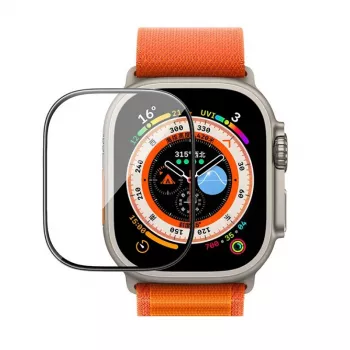
If you want an inexpensive way to reduce daily scuffs without changing the feel of your watch, consider the Full Coverage Anti‑Scratch Screen Protector for Apple Watch 40–49mm. Choose the exact case size for your watch to help prevent edge lift and keep touch response consistent.
| Item | Details |
|---|---|
| Name | Full Coverage Anti-Scratch Screen Protector for Apple Watch 40-49mm |
| Price | $5.97 USD |
| Availability | In stock |
Check the size printed on the back of the watch case (for example, 41mm, 45mm, or 49mm) and select the matching option. Avoid “close enough” sizing—small differences can lead to edge lifting or visible borders.
Touch response should remain normal when the protector is aligned properly and installed without dust underneath. The Digital Crown should not be affected as long as the protector is sized and positioned correctly for your case.
Use steady pressure to push bubbles toward the nearest edge. If a bubble is caused by a dust speck, lift only the affected area enough to remove it, then reapply and smooth outward.












Leave a comment