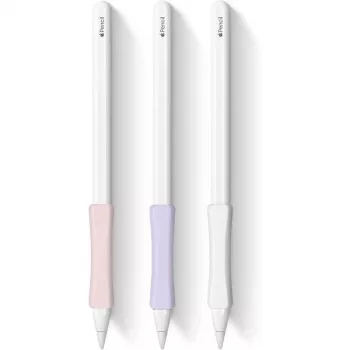
A slim cover can make a noticeable difference in how an Apple Pencil feels during long writing or drawing sessions. The right stylus cover adds grip, reduces hand fatigue, and helps protect against small drops, scuffs, and desk wear—without getting in the way of precision. Below is a practical breakdown of what to look for, how fit differs between Apple Pencil generations, and how to use a cover without compromising charging or storage.
Apple Pencil is designed to be lightweight and smooth, but that same smooth barrel can feel slippery during fast note-taking or extended sketching. A cover changes the day-to-day feel in a few helpful ways:
Fit matters more with Apple Pencil than it does with many other styluses because charging and storage are built into the hardware design. Before choosing a cover, match it to your generation:
To confirm exactly how your Apple Pencil pairs and charges, Apple’s own guidance is the most reliable reference: Apple Support: Pair and charge Apple Pencil.
The “best” cover texture is usually the one that keeps your grip stable without making the pencil feel bulky. A few material notes help narrow it down:
A cover is ideal for everyday wear-and-tear, but it isn’t a replacement for a dedicated travel case. Setting expectations upfront helps you choose the right thickness.
For quick compatibility checks, Apple lists the hardware details for both generations: Apple Pencil (2nd generation) – Technical Specifications and Apple Pencil (1st generation) – Technical Specifications.
| Option | Comfort & Grip | Charging/Attachment Compatibility | Protection Level | Best For |
|---|---|---|---|---|
| Thin grip cover | High (secure feel without bulk) | High (usually works with magnetic docking) | Low–Medium | Everyday note-taking, travel, pen loops |
| Thicker cushioned cover | Very high (more cushioning) | Medium (may weaken magnetic hold) | Medium | Long drawing sessions, extra comfort |
| No cover | Varies (slippery for some users) | Very high (no interference) | Low | Minimalist setup, strongest magnetic charging |
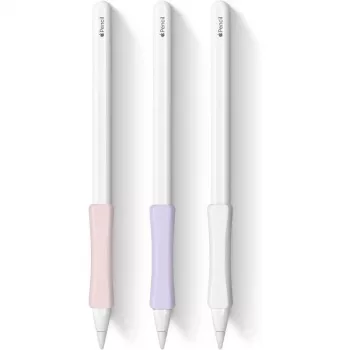
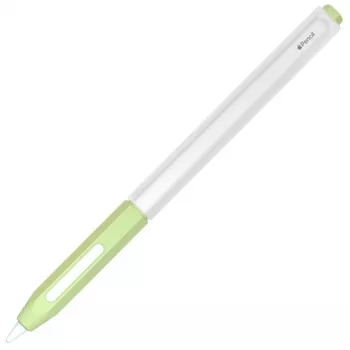
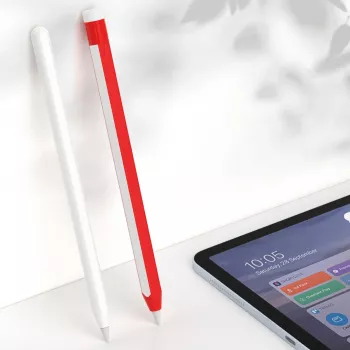
For a straightforward option designed to work across Apple Pencil generations, consider the Stylus Cover for Apple Pencil 1/2. If you’re also organizing a tech bag for commuting, a small accessory like a Silicone AirTag Holder can help keep track of essentials, and a car-friendly mount like the Universal Forklift Wireless Charger and Phone Holder for Cars can reduce pocket-to-dash clutter when you’re on the move.
It can, but it doesn’t have to. Magnetic charging usually still works with a thin cover that keeps the flat side properly aligned; thicker covers may weaken the magnetic connection. After installing, test docking and charging, and remove the cover during charging if the connection becomes unreliable.
Accuracy is typically unchanged because the tip and sensing behavior remain the same. A cover often improves control by adding grip, but an overly bulky cover can alter hand position and feel less precise for detailed work. A slim fit is usually best for precision-heavy tasks.
Yes, as long as the cover doesn’t block cap removal or access to the Lightning charging method (including any adapter you use). Before committing, confirm the cover’s cutouts and end fit allow the cap to move freely and the charging area to remain accessible.










Leave a comment