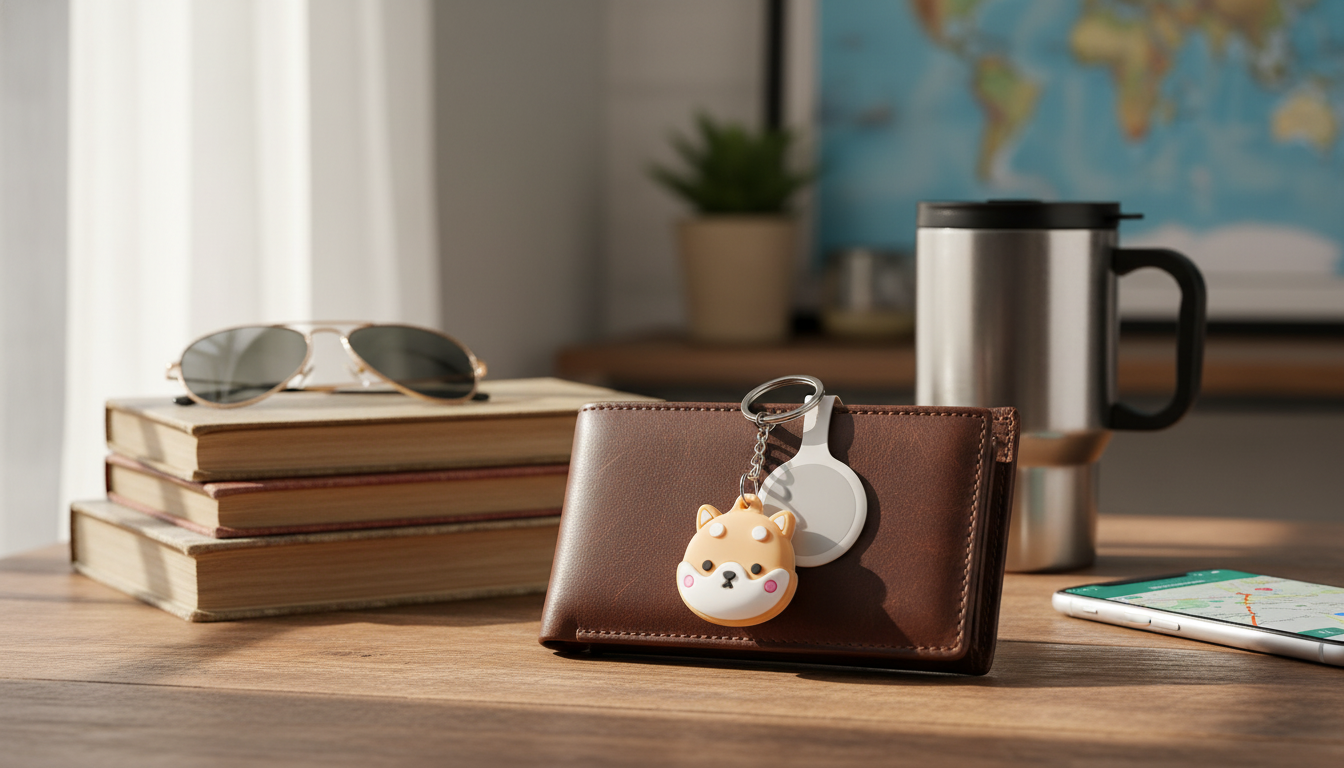
A keychain holder case helps keep an AirTag attached, protected from everyday bumps, and easy to clip onto items that get misplaced. The right case can reduce scratches, add a bit of impact buffering, and make it simpler to move your tracker between different essentials—without changing how the Find My network works behind the scenes.
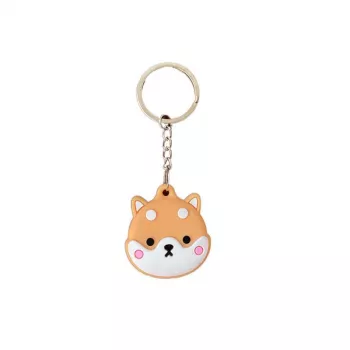
If you’re looking for a simple, budget-friendly way to keep an AirTag on the move, the Apple AirTag Protective Keychain Holder Case is built for daily carry on keys, backpacks, and travel gear.
For AirTag setup and location basics, Apple’s official guidance is the best reference: Set up an AirTag or other item in Find My and Locate a device or item with Find My.
Not all holders behave the same once they’re actually bouncing around in a bag or knocking against a keyring. These are the details that tend to matter most over months of use:
| Feature | Why it matters | Best for |
|---|---|---|
| Secure locking fit | Reduces the chance of the AirTag slipping out | Keys, luggage, backpacks |
| Low-profile body | Less bulk in pockets and less key jingle | Everyday keychains |
| Reinforced loop | Prevents tearing at the ring connection point | Heavy key sets, tool bags |
| Water-resistant materials | Helps with rain and splashes | Gym bags, outdoor use |
| Easy-open access | Faster battery replacement when needed | Frequent travelers |
Where you place your AirTag is often more important than the case itself. The goal is to keep it secure, discreet, and still audible when you’re searching nearby.
If you’re balancing simplicity and daily comfort, a softer, flexible option like the Silicone AirTag Holder can be a good alternative for pocketed keys and lightweight bags.
Most AirTag wear-and-tear happens from friction, drops, and moisture over time. Choosing the right materials helps minimize cosmetic damage and reduces the odds of a failure at the ring or clip.
For official details on AirTag durability and water resistance, Apple’s specs are a reliable reference: AirTag Technical Specifications.
For commuters and travelers, keeping your phone ready for navigation and quick Find My checks can make the whole setup feel smoother. The Universal Forklift Wireless Charger and Phone Holder for Cars pairs nicely with a tracker-based routine on the road.
AirTag location depends on the Find My network, so most cases won’t meaningfully change tracking accuracy. Very thick or metal-heavy designs can sometimes affect signal behavior or make the speaker harder to hear, so it’s smart to test after installation.
Yes, it should still play a sound, but the volume can be slightly muffled depending on the material and how much of the AirTag is covered. After putting it in the case, trigger “Play Sound” to confirm it’s easy to hear nearby.
Many cases help with splashes and short exposure, but that’s different from full waterproofing. AirTag has its own water-resistance rating; after rain or a wet bag, dry the exterior to reduce long-term wear on metal surfaces.












Leave a comment