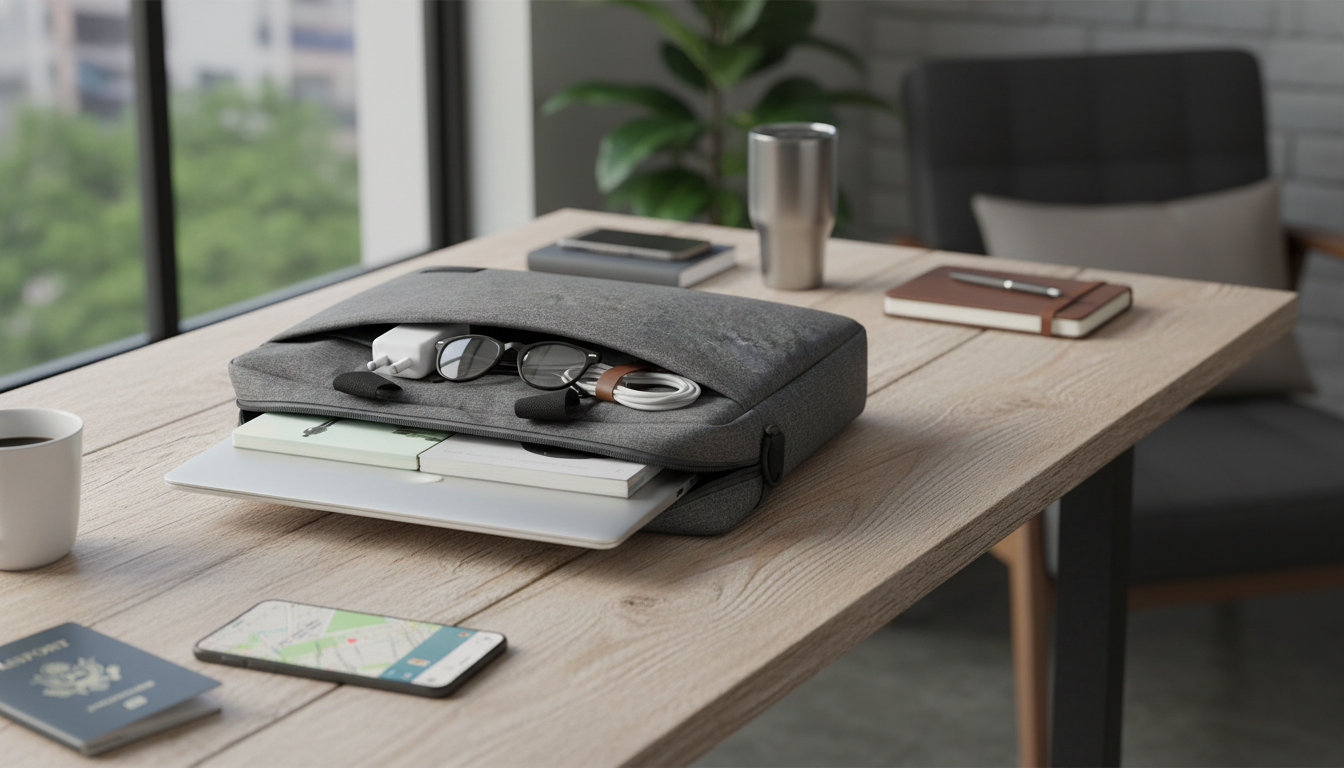
A well-designed laptop bag should do more than cover a MacBook. It should protect the device, keep chargers and small Apple essentials organized, and look polished in meetings, classrooms, and travel days. The most useful option is the one that moves comfortably from desk to commute to carry-on—without forcing a bulky backpack or a minimalist sleeve that can’t handle daily extras.
“Multi-use” comes down to how naturally a bag fits into different parts of a routine. A good everyday laptop bag should be easy to carry by hand, comfortable on a shoulder when needed, and slim enough to slide inside a larger tote or backpack without taking over the whole space.
MacBook Air and MacBook Pro models can share the same screen size while still differing in thickness and overall footprint. A laptop compartment that’s “close enough” can lead to shifting corners, zipper pressure, or a bag that feels awkwardly tight once a charger is added.
| What to check | Why it matters | Practical tip |
|---|---|---|
| Laptop compartment sizing | Prevents sliding and corner impact | Compare device dimensions, not just screen inches |
| Padding placement | Reduces dents from drops and knocks | Look for padding on both sides and reinforced corners |
| Accessory pockets | Stops charger/adapter from bumping the laptop | Use separate pockets for power brick vs. cables |
| Zippers and openings | Improves daily access and reduces snagging | Choose smooth zippers and a wide opening for quick packing |
| Carry comfort | Less strain over long walks | Prefer a balanced handle and optional shoulder strap |
For model-specific dimensions, Apple’s specifications pages are the quickest way to confirm exact size details for MacBook Air and MacBook Pro.
Protection doesn’t have to mean thick, heavy padding everywhere. The best protection often comes from smart structure: enough cushioning to soften impacts, plus a shape that resists pressure when the bag is packed next to notebooks, a water bottle, or other commuting gear.
Keeping the exterior clean also extends the “polished” look. Apple’s guidance on caring for and cleaning Apple products is a helpful reference for avoiding harsh cleaners around frequently handled gear.
If the goal is a refined daily bag that can handle a MacBook plus the essentials that tend to follow it everywhere, the Elegant Multi-Use Laptop Bag for MacBook Air, Pro, and Apple Accessories is built around that idea: streamlined carry, organized storage, and an elevated look that doesn’t feel out of place at work or on campus.
Sometimes, but it depends on the specific model dimensions and the bag’s laptop compartment sizing. Check the exact device measurements, allow a little room for a case or skin, and aim for a fit that’s snug but not tight.
Store the power brick and cables in separate pockets, and keep hard accessories away from the laptop surface. Avoid loose metal adapters in the main compartment where they can shift and rub against the MacBook.
Look for padding with reinforced corners, water-resistant materials, smooth zippers, and comfortable handles or an optional shoulder strap. Quick-access pockets for your phone and keys also make daily transitions faster.












Leave a comment